
How it works
Write the rules once. Every tool obeys them.
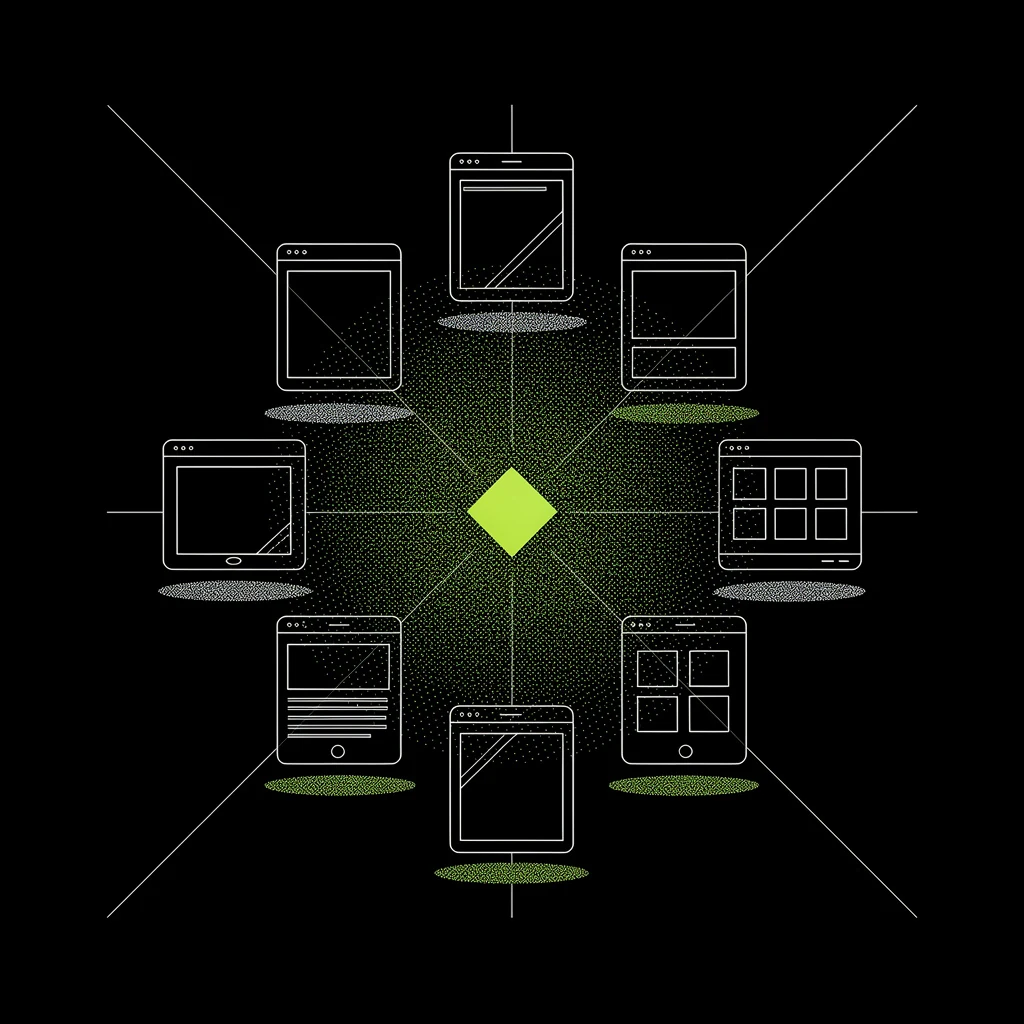
Capture the rules
We read what you already have: guidelines, tokens, shipped screens. Out comes a written record of how your brand decides, including the parts nobody ever wrote down.
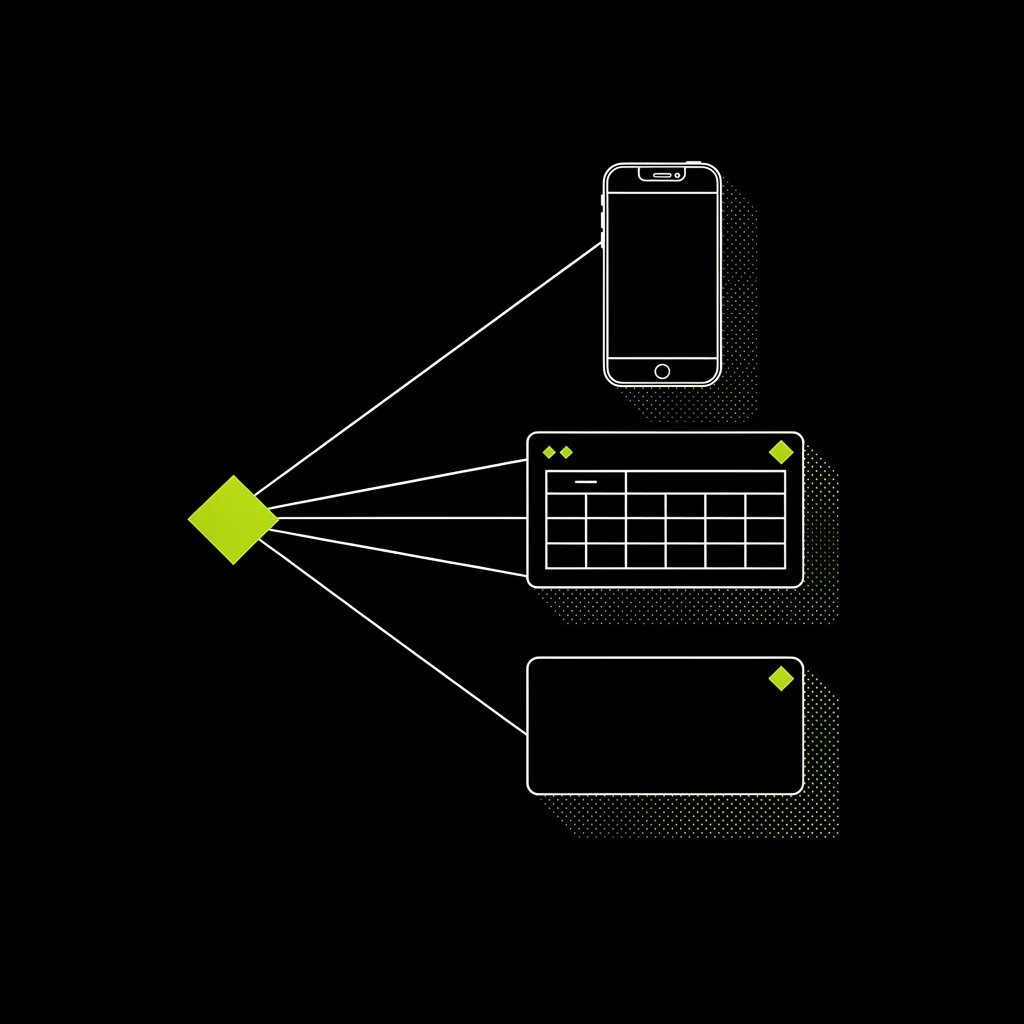
Fit it to any screen
The rules cover screens they have never seen. Empty states, dense tables, error flows. Built up from the rules, not painted on afterwards.
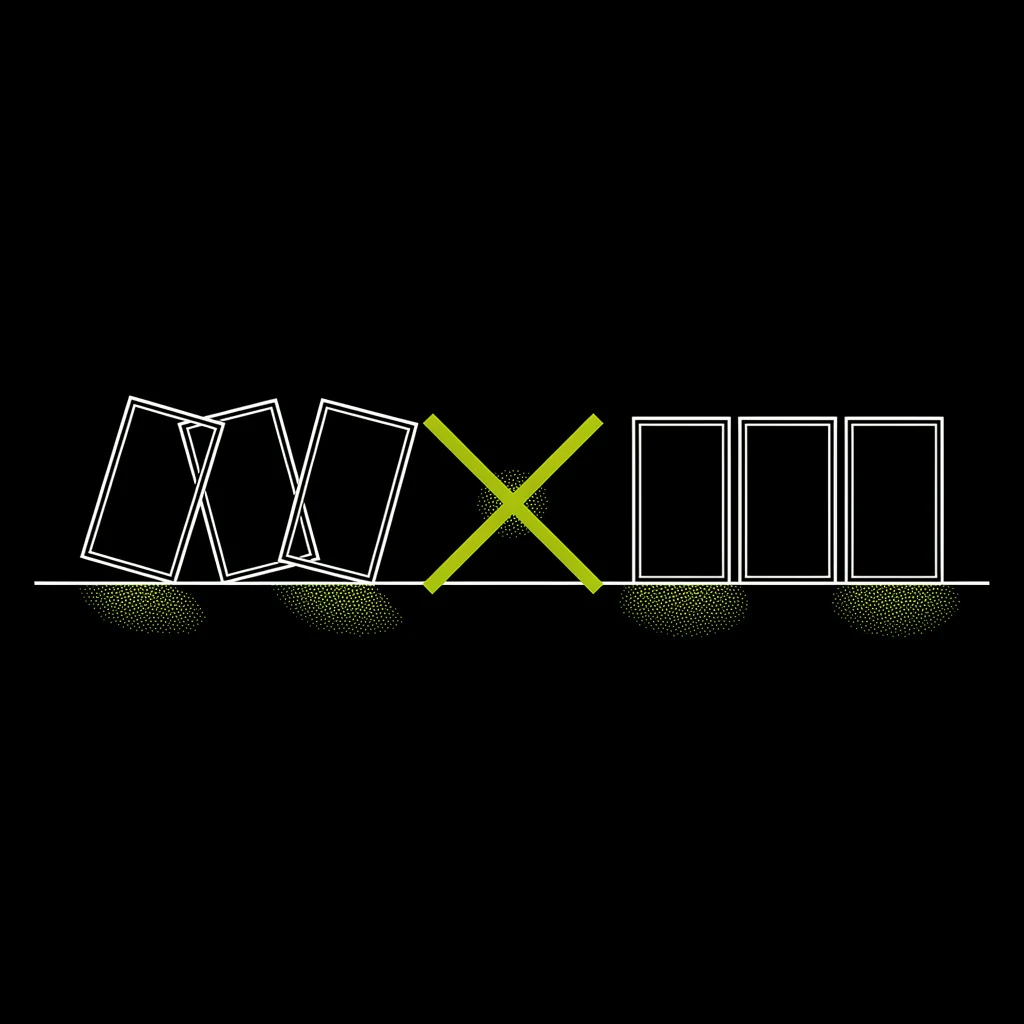
Enforce it in every tool
Divona sits inside the tools your team builds with. Everything they generate is checked against your rules before it ships.
The same prompt. Twice.
Same model, same brief, same tokens. One side was handed your rules first. Drag the handle.
Three drafts came back clean.
One is waiting on your eye.
The fourth put two primary actions on one view. It is held, with the rule it broke named on it.
- Pricing pageclean
- Welcome emailclean
- Settings · empty stateclean
- Upgrade promptheld · loudness budget
Welcome back!
Here’s your workspace overview.
Manage your drafts, view analytics, and explore everything your workspace has to offer.
drag · or focus the handle and use the arrow keys
Generic tells you that you exist. Yours says what happened while you were away, and carries the number.
No exclamation, no “explore everything”. Your voice rules are written down with a severity, so a tool cannot quietly drop them.
One loud object per view. The generic side offers two and ranks neither, which leaves the reader to work out what matters.
Four items with one status each is a list. Cards are what a tool reaches for when it does not know what matters.
The fourth draft broke a rule and was stopped before you saw it. That is the part a palette cannot do.
same colours, same type, both sides. tokens are not a brand.
Rules, not a palette.
Five files your tools read. Every rule carries a weight, so a tool knows what it may bend and what it may not.
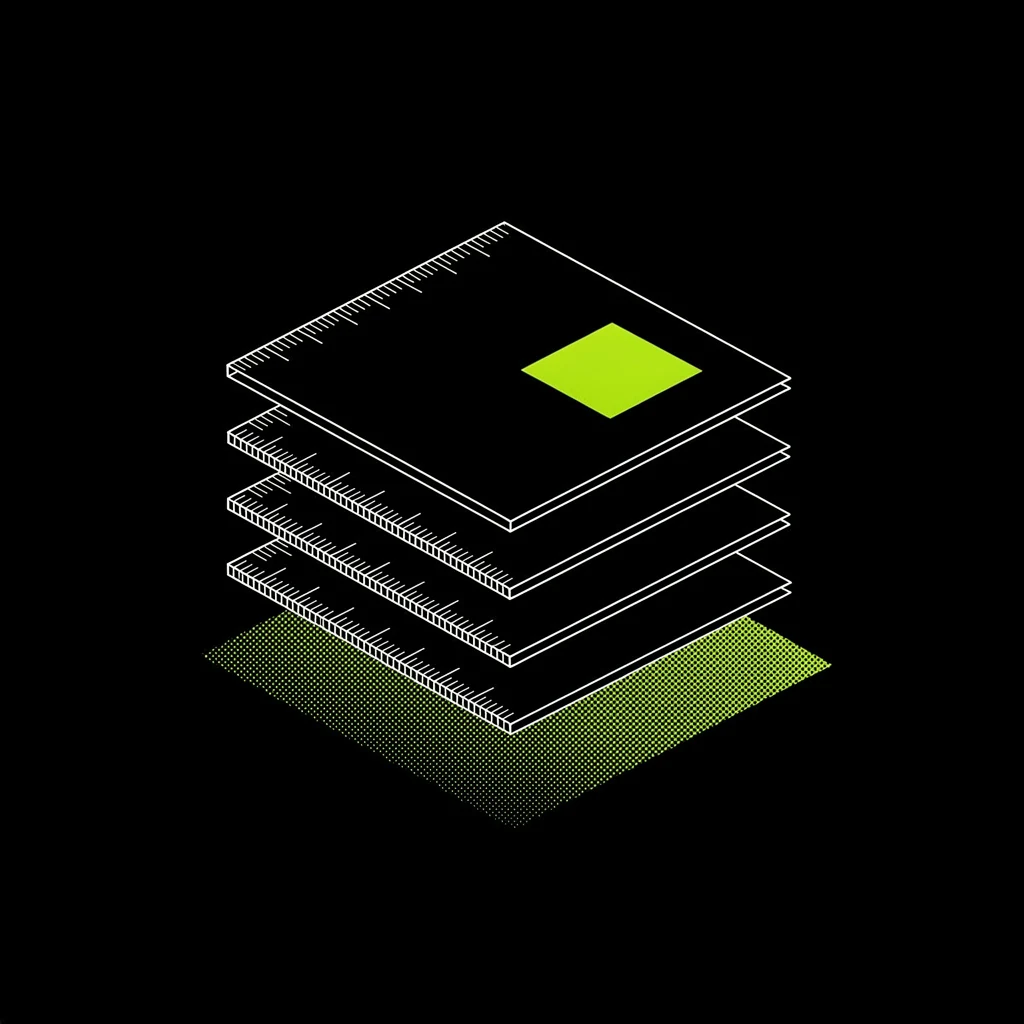
What the brand is. And what it must never drift toward.
Colour, type, spacing, shape. Real values, measured.
How a screen is built. What may be loud, and what stays quiet.
How it sounds in buttons, errors and empty states.
What the brand refuses, with severity attached.
The loudness budget
Each view gets exactly one loud object. Everything else stays quieter. If a view seems to need two, the view is wrong.
Never traded. A tool that cannot do the job without breaking one has to find another way.
How this brand normally works. Bent only when a core rule forces it.
A preference. Change it when the screen genuinely needs something else.
Measured, not asserted.
Most brand documents claim a colour is accessible. Nobody downstream can check it. We compute the number from your real values, and fail anything that breaks it.
computed from this page’s own tokens · wcag 2.2 · 4.5:1 normal text, 3:1 large and non-text
A brand is also what it refuses.
Guidelines say what to do. The mess comes from what nobody wrote down. We write the refusals down and close the shortcut before a tool reaches for it.

- coreNever a second hue. One accent, everywhere. No gradients, no tinted panels.
- coreNever round a card, never square a button.
- coreNever two loud objects in one view.
- strongNever the slop kit: gradient text, glassmorphism, icon-card grids, drop shadows, purple palettes.
- coreNever hype copy. No exclamation marks, no supercharge, no unlock, no 10x.
the list above is divona’s own. this page obeys it.
Colours are the easy part.
Every AI builder already takes your colours and your components. The output still looks generated, because a colour file cannot say why your spacing feels calm, when your empty states stay quiet, or what your brand refuses under pressure.
Divona writes that layer down and carries it into every tool your team touches. Your judgement, shipping in places you never looked.
Change one rule. Watch the whole product move.
Divona is being built now. Join the beta and you’ll be told the day you’re let in.